Ceiling fans run for thousands of hours a year in Surat and get almost no attention until something goes wrong. That is a shame, because nearly every fan complaint we attend could have been prevented by half an hour of maintenance.
Here is what actually goes wrong, in the order you are likely to meet it, and what you can reasonably do yourself.
Dust does more damage than you would think
Dust accumulates on the upper surface of fan blades, where nobody sees it. It builds unevenly, which puts the blade set out of balance, and in humid air it holds moisture against the metal.
An unbalanced fan wobbles, a wobbling fan works its mounting loose, and a loose mounting is how fans come down. Cleaning the blade tops two or three times a year — a damp cloth over each blade, supported from below so you are not levering on it — prevents the whole sequence.
Support the blade while you clean it
Most bent blades we see were bent during cleaning. Hold the blade from underneath with one hand while wiping the top with the other, and never push down on an unsupported blade.
Slow running is almost always the capacitor
A fan that used to move air well and now barely stirs the room, on every speed, has a weak capacitor. This is the single most common ceiling fan fault and it accounts for the large majority of slow-fan calls.
The capacitor provides the phase shift the motor needs to develop torque. As it ages its capacitance drops, and the fan loses power gradually enough that people adapt to it without noticing. Replacing it is inexpensive and takes under half an hour, and the difference is usually startling.
The related symptom is a fan that hums but will not start, or that starts only if you nudge a blade. That is the same component, further gone.
Noise tells you what is wrong
Different noises mean different things, and the distinction is worth knowing.
- Steady electrical hum that changes with speed — usually the regulator rather than the fan
- Rhythmic grinding or knocking that speeds up with the fan — dry or worn bearings
- Rattle or buzz — a loose canopy, blade bracket screw or down-rod pin
- Clicking once per revolution — something touching a blade, or a bent blade
- Whine at low speed only — a failing electronic regulator step
Bearing noise is the one to act on promptly. A dry bearing left running eventually seizes, and a seized motor usually means replacing the fan rather than repairing it.
Wobble is usually the fixing, not the fan
People assume a wobbling fan is unbalanced, and sometimes it is. But before looking at blade balance it is worth checking the things underneath it: are all the blade bracket screws tight, is the down-rod pin properly seated and secured, is the canopy sitting square, and is the hook itself sound.
Only once all of that checks out does blade balance become the answer — and then it is a matter of finding which blade is out of plane, correcting it if it is bent, or adding a small balancing weight.
A fan that has developed a wobble it did not have before should be switched off until it is looked at. The wobble itself accelerates the loosening that caused it.
Humidity is hard on fan motors
Surat's humidity gets into windings and bearings, and it does most damage in rooms that stand closed for long periods — guest rooms, flats used occasionally, properties near the coast around Dumas.
Running a fan briefly every week or two in an otherwise unused room does genuine good, because moving air and a slightly warm motor keep moisture from settling. It costs almost nothing and it noticeably extends the life of the motor.
What is worth doing annually
- 1Clean the blade tops, supporting each blade from below
- 2Check and tighten every blade bracket screw and the canopy fixing
- 3Confirm the down-rod pin is present, seated and secured
- 4Listen at each speed for bearing noise or regulator whine
- 5Test the regulator through its full range, including the lowest step
- 6Have the capacitor checked if the fan has lost noticeable power
Booking all the fans in a flat for one visit costs far less than calling an electrician out fan by fan, and it is the sensible way to handle this.
Safety first
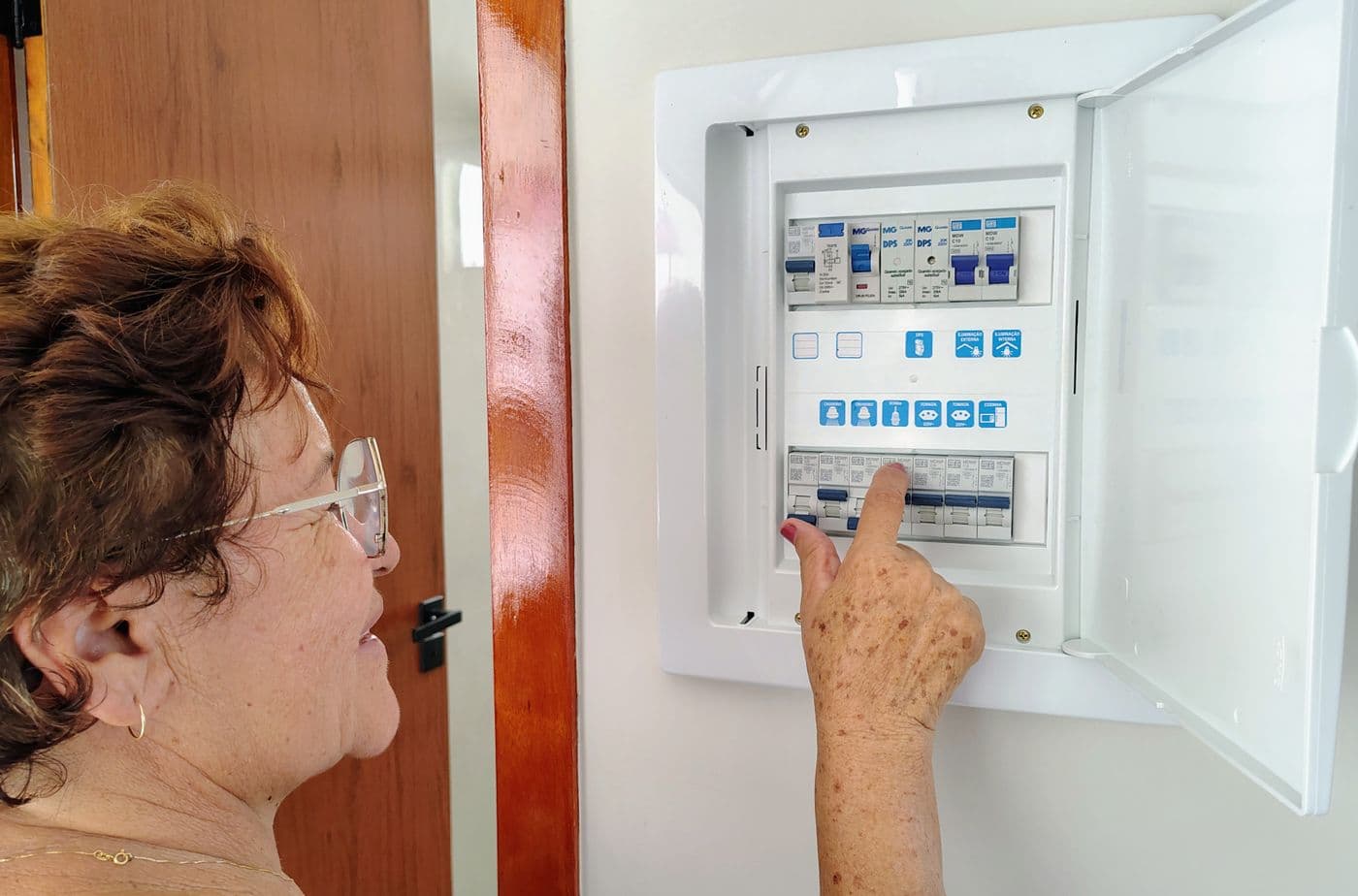
Always isolate the fan at the breaker before cleaning or working on it — the wall switch alone may not make the fitting safe. And never clean a fan while standing on anything that is not designed to be stood on.

Related service
Ceiling Fan Repair
Capacitor, regulator, bearing and balancing work — all the fans in your flat in one visit.
Quick answers
Why has my ceiling fan slowed down?
In the large majority of cases, a weakened capacitor. It is an inexpensive part, the job takes under half an hour, and the improvement is usually dramatic.
Is a wobbling ceiling fan dangerous?
It can become so. The wobble works the mounting loose over time. Switch it off and have the fixing, bracket screws and down-rod pin checked before using it again.